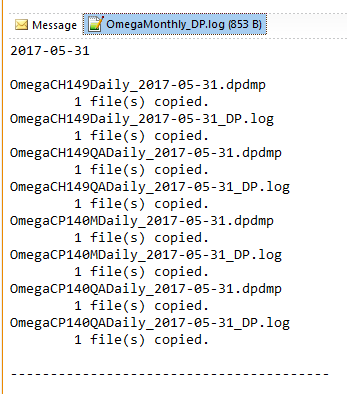
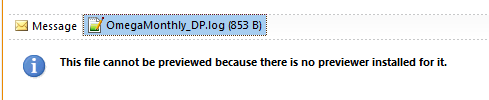
Outlook Preview Error
This will allow .log files to be previewed by Outlook when Notepad++ is your default text editor.
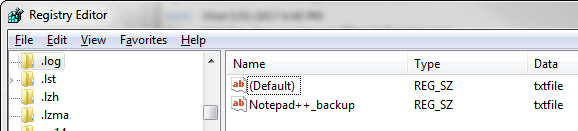
Check HKEY_CLASSES_ROOT\.log registry key’s (Default) value. It has to be txtfile not Notepad++_file.
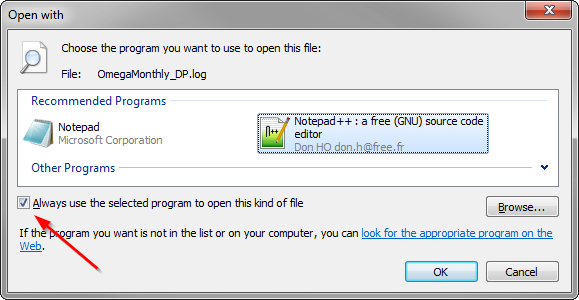
Once the entry above is confirmed you may need to make Notepad++ the default program again.
In Windows Explorer right-click any .log file and select “Open With…” -> Choose Default Program. Select Windows Notepad++ and make sure that you have the “default” check set.
Restart Outlook, now it will to show you .log files.